Canva pushes deeper into generative design with conversational AI suite
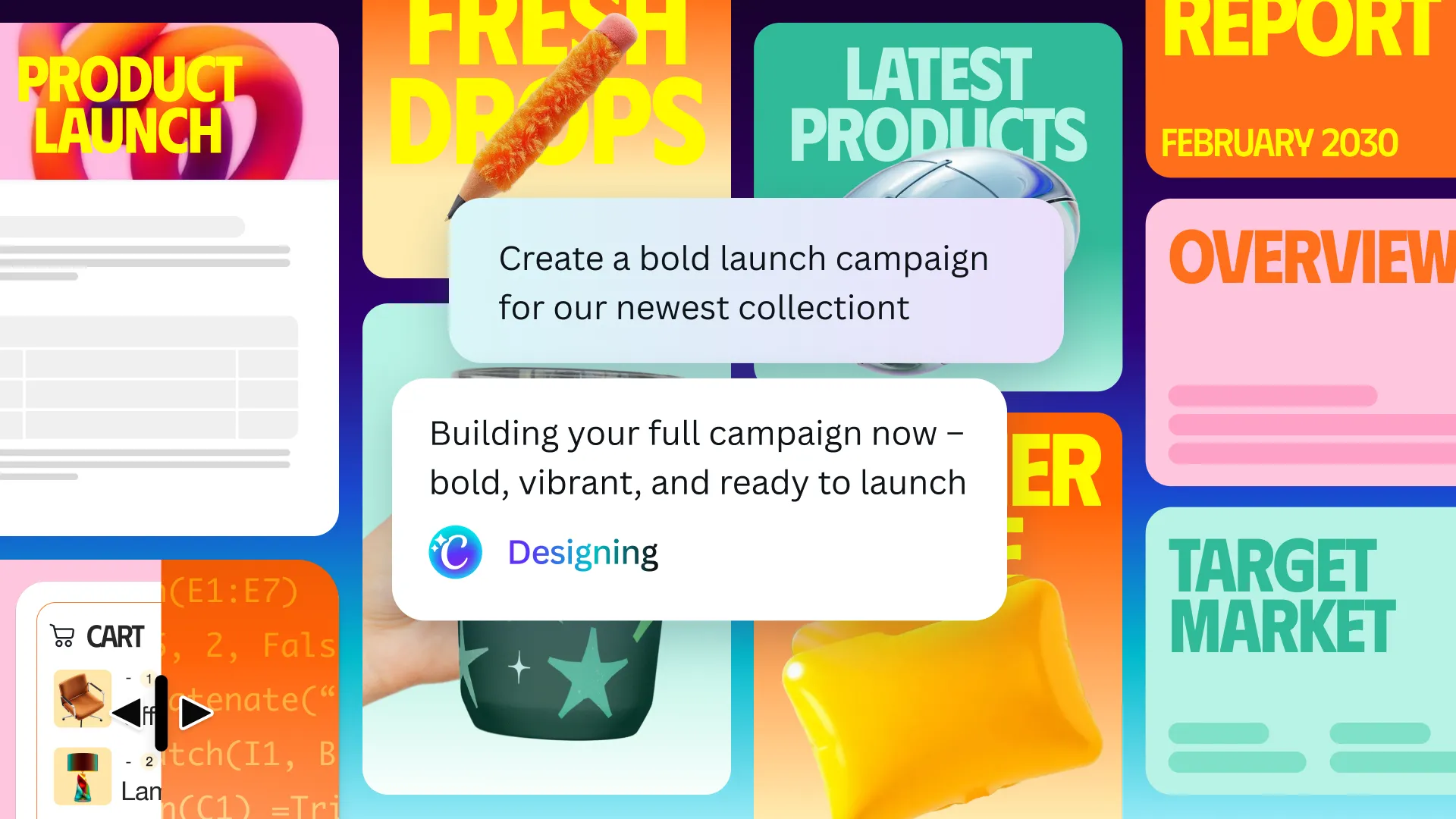
Canva has taken another sizeable leap toward friction-free content creation, unveiling a major update that turns its web-based design platform into what the company calls a “conversational, agentic” workspace. Dubbed Canva AI 2.0, the rollout supplies a single prompt bar that can build, adapt and polish virtually any creative asset—slides, videos, social campaigns, code snippets, even full marketing strategies—simply by interpreting natural-language instructions.
A chat window at the center of every tool
The most visible change meets users the moment they land on the Canva homepage. A familiar chat interface now sits front and center, inviting phrases such as, “Draft a three-email welcome series for new newsletter subscribers,” or, “Design a poster in our brand colors announcing our spring festival.” In seconds, the assistant assembles a multiformat package: graphics in the correct aspect ratios, text blocks in on-brand fonts, and suggested distribution channels. Every element is editable within the same browser tab.
Under the hood, an orchestration layer connects multiple generative models—image, video, text and code—so that the assistant can decide which engine to consult for each part of a request. Designers no longer need to hop between discrete features like Magic Design, Magic Write or Magic Edit; the assistant chooses and combines them automatically.
From single outputs to ongoing collaboration
One of Canva’s loudest talking points is persistence. Traditional AI utilities often stop once they spit out a result, forcing creators to begin a new prompt cycle for every tweak. Canva AI 2.0 keeps the conversation alive. If an exported slide deck feels too dense, the user can type, “Condense each slide to three bullet points and swap the stock photos for illustrations.” The AI will reformat text blocks while leaving the overarching layout intact, then search its image models for appropriate art styles.
This continuous back-and-forth is made possible by a built-in memory module that gradually learns a workspace’s preferences—from logo placement to tone of voice—without requiring elaborate style guides for each new project. Teams with strict visual identities, such as franchises or event organizers, can expect more consistent outputs the longer they work within the platform.
Object-based intelligence for pinpoint edits
Another highlight is Object-Based Intelligence, a feature that lets users target specific portions of a design via text. Imagine a real-estate flyer sprawled across the canvas: a prompt like, “Replace only the roof color with slate gray and adjust the price header to 18-point bold,” triggers the assistant to locate the roof area in the image and the text layer showing the price, leaving every other detail untouched.
Early testers have compared the precision to Adobe’s Generative Fill, but Canva frames its version as part of an end-to-end workflow rather than a specialized edit mode. The user never leaves the single conversation thread.
Expanding beyond visuals: HTML import and unified connectors
While Canva’s reputation rests largely on graphics, the update introduces notable under-the-radar improvements for coders and project managers:
- HTML imports in Canva Code allow developers to paste raw web components and receive automatically formatted design previews, useful for marketing landing pages or email templates.
- A unified connector interface brings common third-party tools—Slack, Gmail, Google Drive, Calendar and more—into a searchable pane. Users can push finished assets directly into a team channel or schedule a social post without downloading files.
Collectively, these integrations aim to keep content living inside Canva until the very last mile, reducing the back-and-forth between design, approval and distribution platforms.
The rollout plan: one million early seats
Canva AI 2.0 launches today as a research preview limited to the first one million accounts that open the homepage prompt. The company says it will widen access “over the next several weeks,” but stopped short of offering a firm public release date. Users granted early entry can expect occasional latency and interface tweaks as engineers monitor how real teams push the limits of the assistant.
Pricing also remains in flux. Executives have hinted that advanced features may fold into existing Pro and Enterprise tiers rather than arriving as a separate subscription, mirroring the platform’s earlier AI add-ons like Magic Write. However, final decisions will follow data gathered during the preview period.
Context: a broader industry race
Canva’s announcement arrives less than 24 hours after Adobe floated its own prompt-driven overhaul across Photoshop, Illustrator and Premiere. Smaller players, from Microsoft Designer to Figma’s upcoming AI plugins, are racing to blend text commands with creative tooling. For Canva, whose claim to fame has been democratizing design for non-professionals, the new conversational layer acts as both an equalizer and a differentiator: it surfaces complex features without overwhelming occasional users, yet still promises granular control sought by seasoned marketers.
The stakes are high. According to research firm Gartner, 60 percent of creative workflows will incorporate generative AI by 2027, up from 10 percent in 2023. Platforms that can streamline ideation, formatting and deployment in one environment stand to lock in millions of small businesses and internal marketing departments that previously pieced together multiple apps.
Imagem: Canva
Hands-on impressions from early testers
Several brand managers who participated in the closed beta shared initial takeaways:
- “The assistant nailed our hex codes and typography after I uploaded the style guide once. By the third campaign, it felt like a junior designer who already knew our voice.”
- “Object-based edits saved us hours when localizing posters. We asked it to swap just the dates and venue photos without touching the rest of the layout.”
- “Latency was noticeable on high-resolution video exports, but for social graphics the turnaround was near instant.”
Feedback also highlighted areas for growth, such as finer control over generated copy tone and better accessibility suggestions for color contrast. Canva has acknowledged these gaps and stated that ongoing model training will factor in such user inputs.
What this means for creative teams
For one-person businesses and lean startups, Canva AI 2.0 could replace a patchwork of freelance designers, stock-photo sites, copywriters and scheduling tools. Mid-sized companies may see it as a force multiplier, accelerating idea-to-asset cycles and reserving human talent for strategic storytelling.
Large enterprises, however, will likely scrutinize brand safety, data privacy and intellectual property implications. Canva asserts that generated assets belong to the user and that training data exclude copyrighted content not covered by license agreements, but legal departments will press for clarifications—especially after recent class-action suits in the generative AI space.
Regardless of scale, the shift moves Canva closer to being not just a design toolkit but a full-fledged campaign engine, one where strategy, production and distribution blend under a single conversational umbrella.
FAQs
How do I access Canva AI 2.0?
The research preview automatically appears on the Canva homepage for the first one million users who log in after launch. If you see a chat box labeled “Ask Canva,” you’re in. Otherwise, you’ll be placed in a queue for future access.
Will there be an extra cost?
During the preview phase, all features are free for participating accounts. Pricing for wider release has not been finalized, but Canva suggests it may integrate advanced tools into existing Pro and Enterprise subscriptions.
Can I disable the persistent memory?
Yes. Account settings include a toggle that clears or pauses the assistant’s memory. Turning it off prevents the model from learning style preferences but does not affect core design functions.
What happens to my existing projects?
All legacy files remain intact and can be opened inside the new interface. The conversational assistant can also import older assets and apply style updates or repurpose them for new formats.
Is Object-Based Intelligence available for video editing?
At launch, pinpoint text prompts target static images, text layers and basic video scenes. Finer frame-level edits—such as color grading a single object moving through a shot—are on the roadmap but not yet live.